Settings & Profile
Profile
Section titled “Profile”In the Profile section you can see:
- Your name and username from Telegram
- Avatar
- Current pricing plan and subscription end date
- Family budget information (if any)
Settings
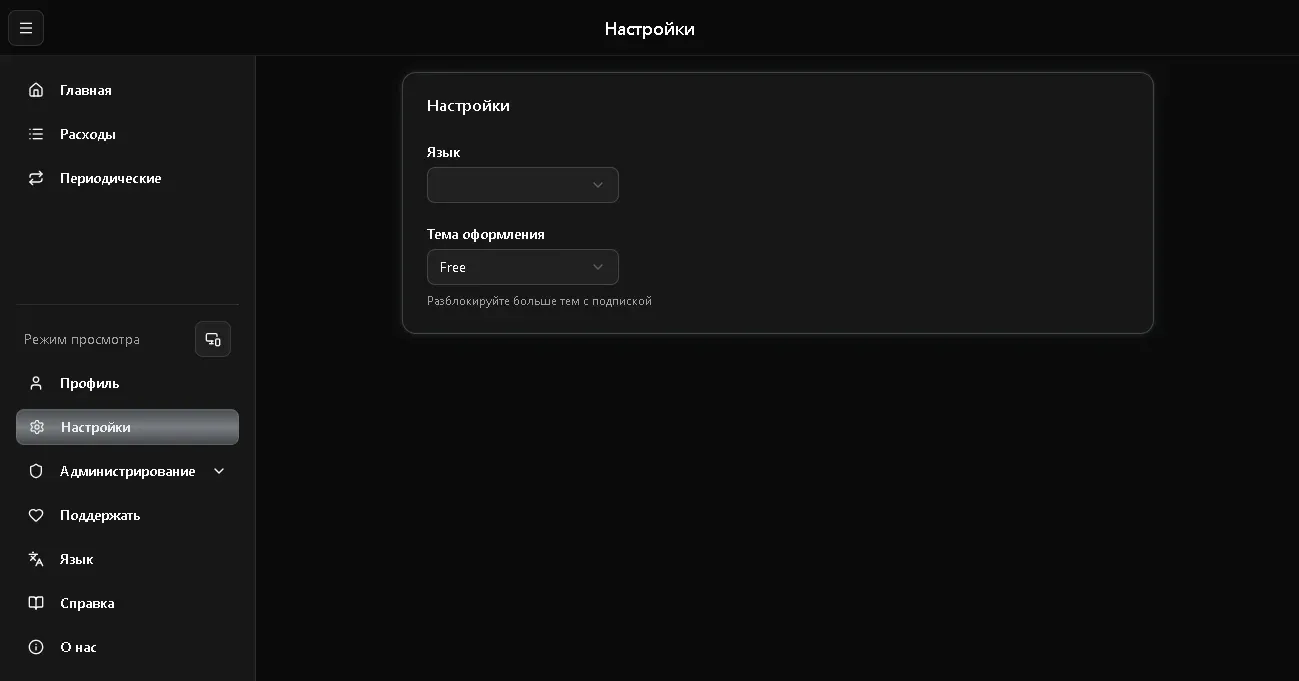
Section titled “Settings”Language
Section titled “Language”The app supports two languages:
- Russian
- English
You can switch the language in two ways:
- In Settings section - select language
- In the sidebar - Language dropdown
Language change applies instantly to the entire interface.
The app supports multiple themes. Available themes depend on your subscription:
| Theme | Availability |
|---|---|
| Standard (gray) | Free |
| Spark | Spark subscription and above |
| Wave | Wave subscription and above |
| Growth | Growth subscription and above |
| Crown | Crown subscription and above |
| Diamond | Diamond subscription and above |
| Titan | Titan subscription and above |
| VIP5 / VIP7 / VIP9 | VIP subscribers only |
Locked themes are marked with a lock icon. New themes unlock automatically when you upgrade your plan.
Display Mode
Section titled “Display Mode”In the sidebar, there’s a display mode switch:
- Auto - adapts to screen size
- Mobile - compact view with cards (convenient on small screens)
- Desktop - table view (convenient on large screens)